Squad survivors!1.1.1
Publisher Description


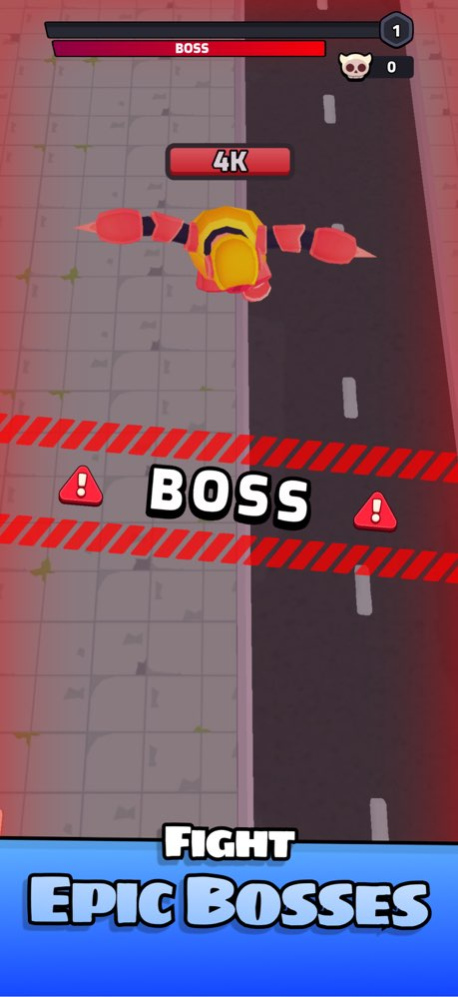
Prepare for an epic battle in Squad Survivor! As robots invade the USA, it’s up to you to survive wave after wave of enemies. Defeat foes to collect orbs, boost your stats, recruit unique crooks, and merge your squad for stronger fighters.
Key Features:
Survive Intense Waves: Face challenging waves of enemies and protect the USA.
Assemble Your Squad: Recruit up to 4 crooks, each with unique abilities, and level up by merging them.
Idle Turret Conquest: Capture turrets for continuous firepower support.
Endless Upgrades: Gather orbs to improve your stats and power up with every levels!
Fight to become the ultimate Squad Survivor! Can you lead your squad to victory and stop the invasion? Download Squad Survivor now and prove your survival skills!
Version History Bug fixes 1.1.1 10/23/2024 bug fixes 1.1 10/19/2024 1.0 10/17/2024
About Squad survivors!
The company that develops Squad survivors! is PINPIN TEAM SARL. The latest version released by its developer is 1.1.1.
To install Squad survivors! on your iOS device, just click the green Continue To App button above to start the installation process. The app is listed on our website since 2026-10-13 and was downloaded 0 times. We have already checked if the download link is safe, however for your own protection we recommend that you scan the downloaded app with your antivirus. Your antivirus may detect the Squad survivors! as malware if the download link is broken.
How to install Squad survivors! on your iOS device:
- Click on the Continue To App button on our website. This will redirect you to the App Store.
- Once the Squad survivors! is shown in the iTunes listing of your iOS device, you can start its download and installation. Tap on the GET button to the right of the app to start downloading it.
- If you are not logged-in the iOS appstore app, you'll be prompted for your your Apple ID and/or password.
- After Squad survivors! is downloaded, you'll see an INSTALL button to the right. Tap on it to start the actual installation of the iOS app.
- Once installation is finished you can tap on the OPEN button to start it. Its icon will also be added to your device home screen.
Program Details
System requirements
Download information
Pricing
Version History
version 1.1.1
posted on 2026-10-13
Version History Bug fixes 1.1.1 10/23/2024 bug fixes 1.1 10/19/2024 1.0 10/17/2024
version 1.1.1
posted on 2024-10-23
Bug fixes
